01
Scenarios and drills
Combine target movement, rotation, lighting and hit reactions into one synchronised exercise and start it with a single click.

Range control software for the whole facility. In RangeTech Master you build scenarios, drills and configurations on any phone, tablet or computer, with nothing to install. Master then controls every device in the system, from a single firing point to the whole facility. Sport, commercial, police and military ranges all run on the same software.
Book a demo
Contact
We will show RangeTech Master live, on your range or remotely, and size the configuration to your number of lanes.
0
Software to install
3
Control scopes
∞
Steps in a scenario
Functions
01
Combine target movement, rotation, lighting and hit reactions into one synchronised exercise and start it with a single click.
02
The system issues commands and receives events back from the devices. A hit or a timer can start the next stage.
03
Carrier cameras send images to lane computers and tablets, so you watch and control from one application.
04
Firing authorisation interlocked with ventilation, warning signals, an emergency STOP scenario and access control, all in one place.
05
Master runs automatic diagnostics on devices and faults, and flags what needs attention before a fault takes a lane out of service.
06
The modular design lets you grow from one lane to a multi-lane complex. The same software runs a container range or an indoor range with dozens of lanes.
Scope of control
RangeTech Master is range control software that scales with the range. The same application runs a single firing point, a group of lanes or every device in a multi-range facility, with nothing to install on the lane.
01
An instructor controls the carrier, target and lighting of a single firing point from a tablet: distance, exposure time, turning and the reaction to a hit.
02
The same drill starts on several lanes at once, with the same timing for every shooter. Results and events come back to one view.
03
Scenarios, access control, ventilation interlock, STOP scenario and diagnostics for every range in the building, from one control room or one tablet.
One scenario, many devices
Nucleus or RotoTarget reports the event to the system.
RotoTarget moves to the neutral position in hundredths of a second.
RangeTech Light switches profile, RangeTech Surround plays the next sound.
The system moves on by itself, with no operator input.
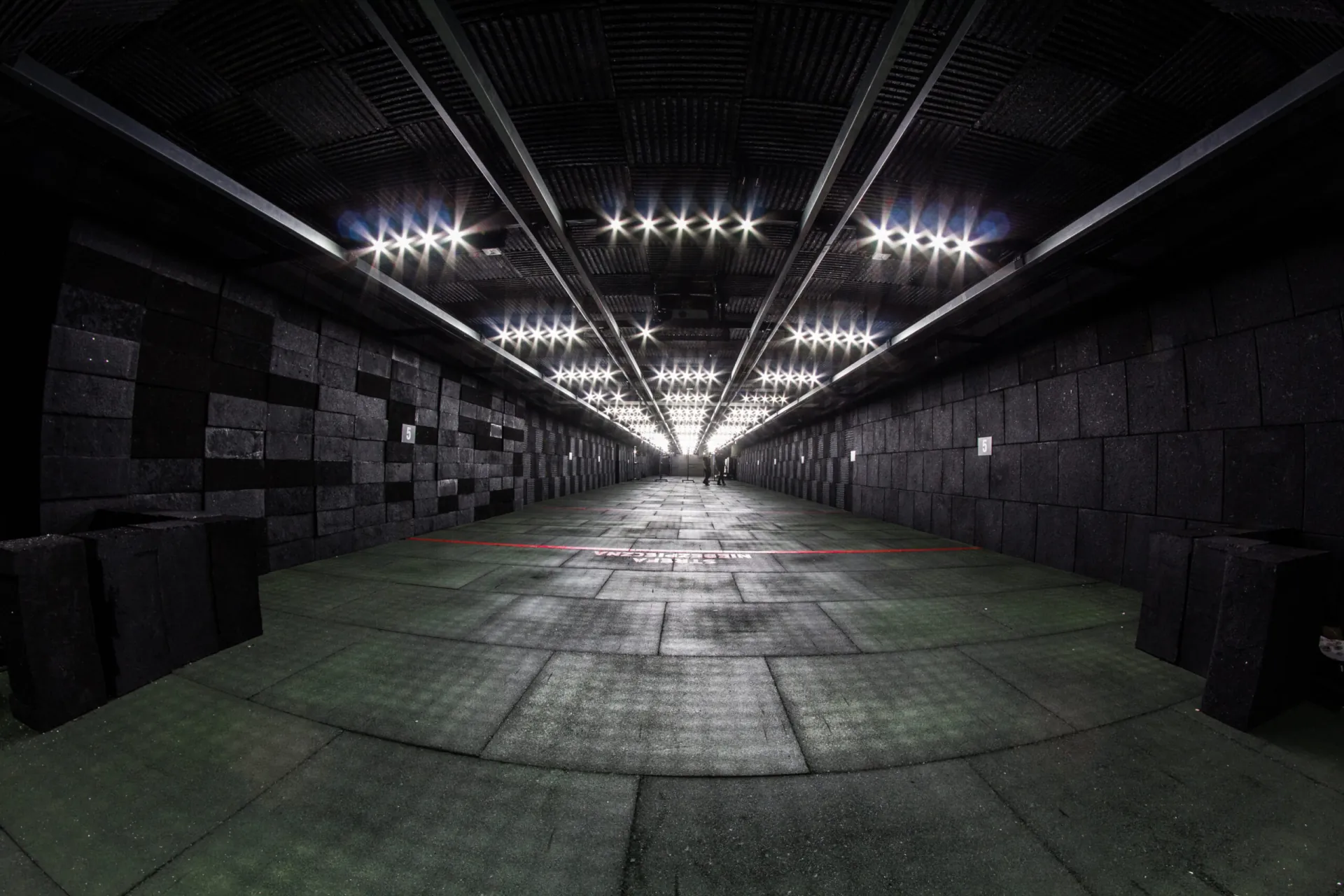 Facility control
Integrations
Master also connects the rest of the range infrastructure: ventilation, warning signals, access control and audio. Each firing lane can have its own control unit. A separate page shows how the complete range control system fits into a facility.
At the firing point
Technical data
| Number of lanes | unlimited, depends on the facility configuration |
|---|---|
| Operation | computer, tablet, smartphone; no application to install |
| Connectivity | built-in network interface |
| Power | 230 V |
| Integrations | carriers, turners, lighting, ventilation (relay output module, 3 signals), range status signalling, access control, audio |
| Safety | STOP scenario |
| Operating temperature | -20 to +60 °C |
| Warranty | up to 7 years |
| Compliance | CE declaration |
The scope of equipment and parameters depend on the chosen configuration.
Demo
Book a demo. We will show you the system live and suggest a configuration for your facility.
See also

Cookies
rangetech.eu can store analytics cookies in your browser, but only if you accept them. We use them to see which content people read and where visitors come from, and to improve the site. Details are in our privacy policy.